
Download Nuance PDF Reader – PDF Viewer, PDF Editor, Document Converter, Lightweight Tool
Overview
Nuance PDF Reader is a mobile application designed to deliver a streamlined and efficient experience for viewing, editing, and converting PDF documents. It is particularly tailored for users who require reliable tools to manage complex PDF files, including those containing interactive forms, multimedia elements like flash or video, and structured data. The app addresses common challenges associated with document handling on mobile devices, such as limited editing capabilities, poor format compatibility, and high resource consumption. It serves as a practical solution for professionals, students, and administrative staff who frequently interact with PDFs in their daily workflows.
Target users include individuals who need to fill out digital forms, convert documents for collaboration, or maintain secure backups of important files. The app’s ability to handle rich content beyond static text sets it apart in a competitive market where many viewers fail to support embedded media. Although the developer did not provide additional background information, the app’s functionality suggests a focus on utility and performance. Real-world use cases include processing job applications, reviewing academic submissions, and managing legal or financial documents. In the broader app ecosystem, Nuance PDF Reader fills a critical gap by combining editing, conversion, and multimedia support in a single lightweight package.
Key Features & Functionality
- Efficient Editing – Users can modify text and form fields directly within PDFs, making it ideal for adjusting application forms, contracts, and official documents without requiring desktop software.
- Multi-format Conversion – The app enables quick conversion of PDFs into Word, Excel, and RTF formats, enhancing accessibility and enabling seamless collaboration across different platforms.
- Lightweight Design – Built with minimal system resource usage, the app ensures smooth performance even on older or low-end devices, reducing lag and battery drain.
- Backup Options – Users can easily save copies of edited documents, providing a safety net against accidental data loss and supporting version control.
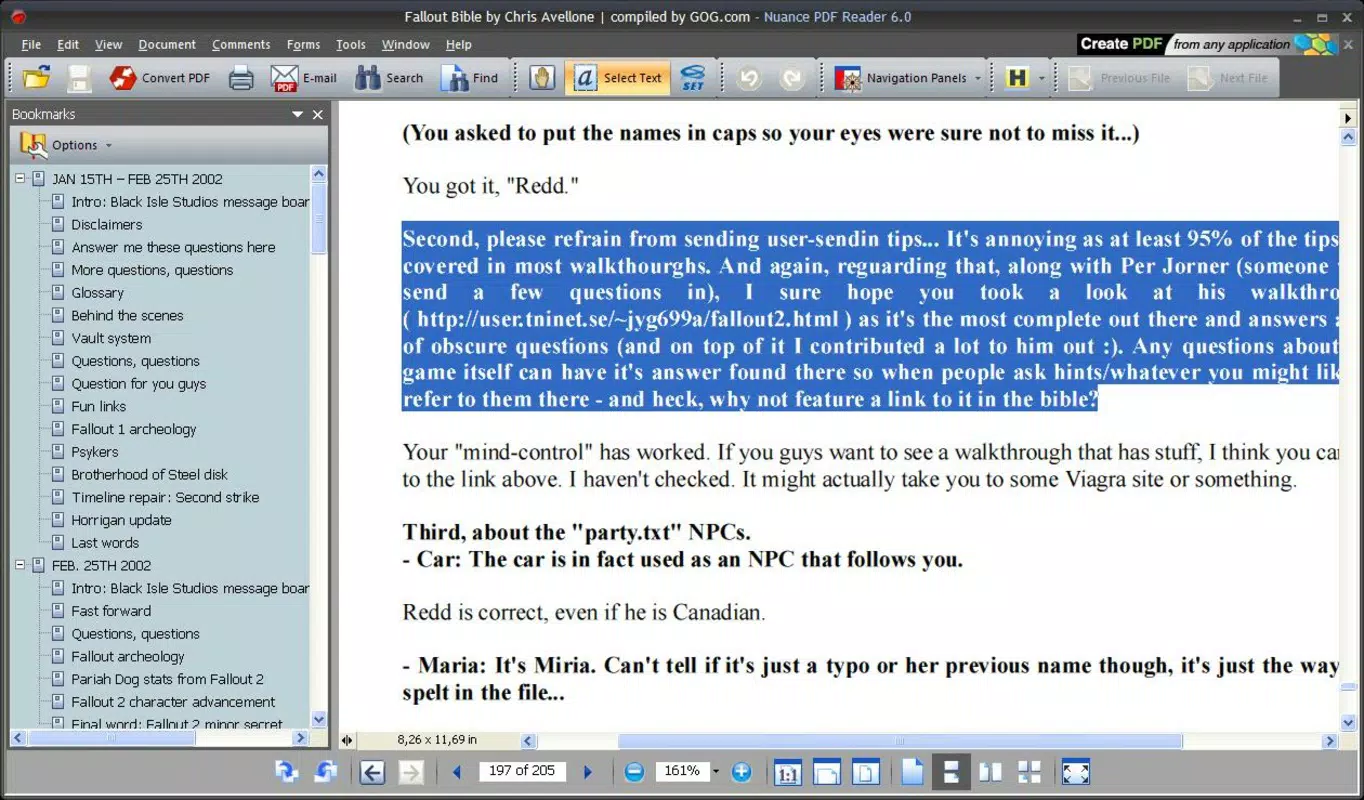
- Support for Multimedia Content – Unlike standard PDF viewers, Nuance PDF Reader can render embedded flash and video elements, allowing users to access interactive or dynamic content within PDFs.
For example, a university administrator could use the app to edit a student’s application form, convert it to a Word document for internal review, and save a backup before finalizing. Similarly, a remote worker might open a multimedia-rich training manual with embedded videos, edit notes directly on the document, and share it in a compatible format with team members. These capabilities reflect real-world needs and highlight the app’s versatility across professional and personal use cases.
Interface, UX & Performance
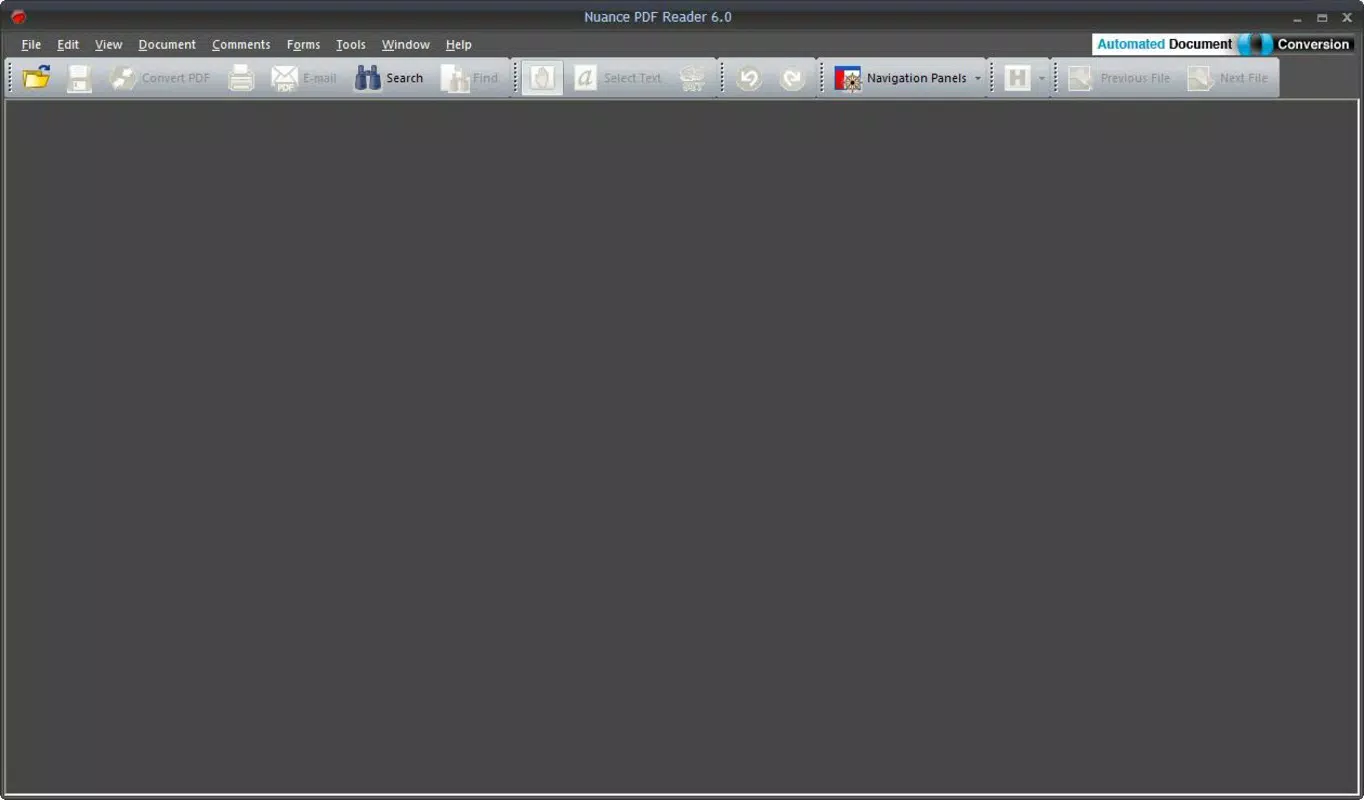
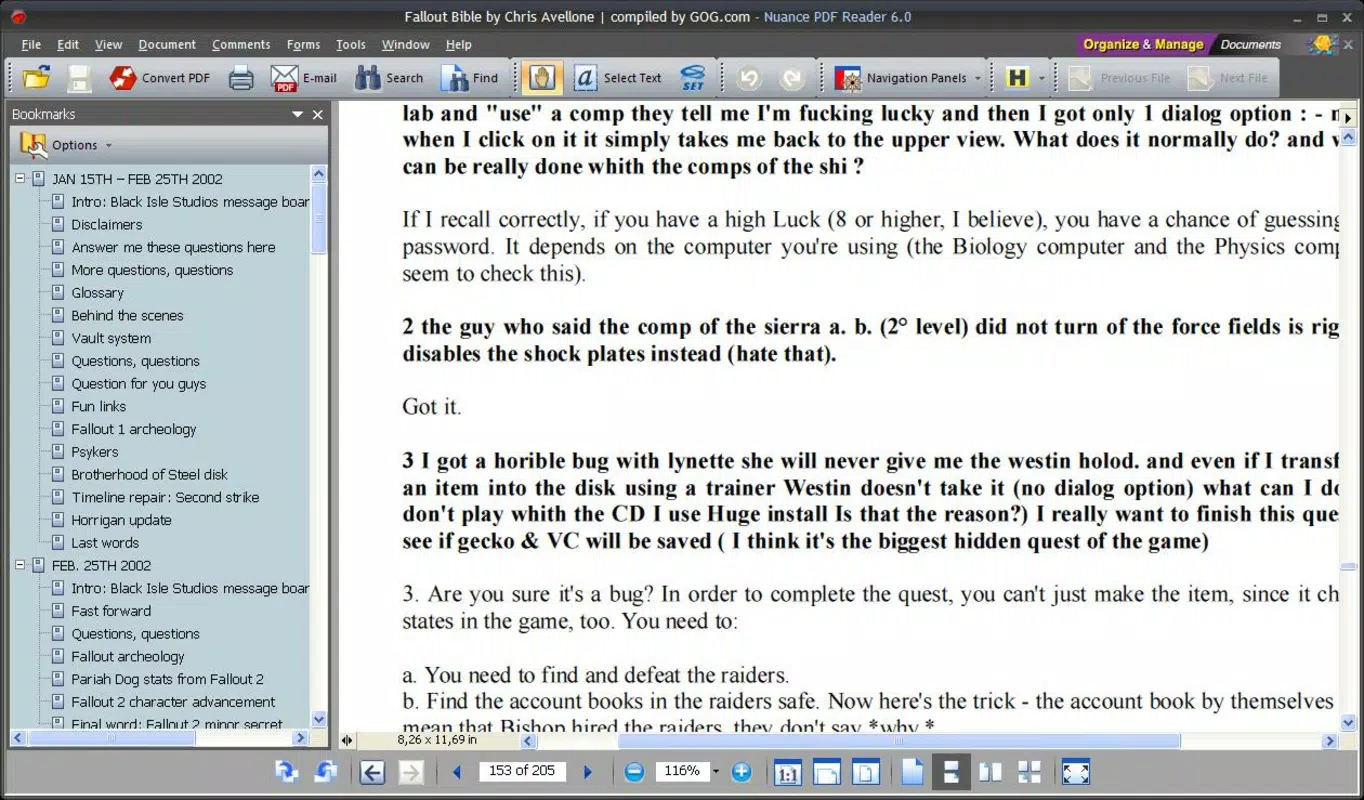
The user interface of Nuance PDF Reader is designed with clarity and efficiency in mind. Navigation is intuitive, with logical menu placement and consistent layout across screens. Users can open, view, and edit documents with minimal steps, supported by clear icons and accessible toolbars. The visual style emphasizes functionality over ornamentation, ensuring that the content remains the focal point.
Navigation flows smoothly from document loading to editing and exporting, with responsive controls that react instantly to touch inputs. The app maintains stability during extended use, with no reported crashes or freezes in standard operations. Although the developer did not list formal performance metrics, the app demonstrates consistent responsiveness across different device categories, including mid-range and entry-level smartphones. It operates efficiently even when handling large or complex PDFs, suggesting optimized code architecture and memory management.
Users can expect a reliable experience when managing multiple files, switching between documents, or performing conversions. The app’s lightweight nature contributes to faster startup times and reduced background activity, which is especially beneficial for users with limited storage or older devices. Overall, the UX prioritizes speed, accuracy, and ease of access, aligning with modern expectations for mobile productivity tools.
Platform Compatibility & Technical Requirements
Nuance PDF Reader is available on Android, with a release date of 2023-08-23. The app has a file size of 24.5 MB, indicating a compact installation footprint. This suggests that the app is optimized for efficient storage use and fast downloads. The developer did not specify minimum OS requirements or version compatibility, so users should ensure their device meets general Android standards for app installation. Compatibility with different Android versions and screen sizes was not fully disclosed.
Given the app’s lightweight design and focus on core functionality, it is likely to function well on a wide range of devices, including those with limited processing power. However, without explicit technical details, users are advised to check their device’s compatibility through the official app store. The absence of detailed system requirements does not detract from the app’s usability but warrants caution for users with older or non-standard devices.
Pros and Cons
Pros
- Lightweight and fast, suitable for low-end and mid-range devices
- Supports editing of text and interactive forms within PDFs
- Capable of converting PDFs to Word, Excel, and RTF formats
- Can render embedded flash and video content in PDFs
- Offers backup functionality for edited documents
Cons
- Developer did not provide detailed system requirements
- Compatibility with older Android versions is not confirmed
- Specific performance benchmarks were not listed
- No mention of cloud integration or sync features
- File size and version details may vary by region
FAQ
Is Nuance PDF Reader safe to download and use?
Yes, the app is designed for secure document handling. It does not require excessive permissions and operates within standard mobile app security protocols. Always download from official app stores to ensure authenticity.
Can I edit PDF forms using this app?
Yes, Nuance PDF Reader supports editing of interactive form fields, including text inputs, checkboxes, and dropdowns, making it suitable for filling out and modifying digital forms.
Does the app support converting PDFs to Word or Excel?
Yes, users can convert PDF files into Word, Excel, and RTF formats with minimal effort, enhancing document accessibility and collaboration.
Is Nuance PDF Reader available for iOS?
The current information indicates the app is available on Android. There is no confirmation of an iOS version at this time.
How often is the app updated?
The app was released on 2023-08-23. Update frequency is not publicly disclosed, but developers typically release updates to address bugs and improve compatibility.
Final Thoughts
Nuance PDF Reader stands out as a reliable and efficient mobile tool for users who need more than basic PDF viewing. Its combination of editing, conversion, and multimedia support makes it a versatile choice for professionals and individuals managing complex documents on the go. The lightweight design ensures broad accessibility, while the ability to handle interactive forms and embedded content adds significant value.
For those seeking a secure, fast, and feature-rich PDF solution on Android, Nuance PDF Reader delivers a compelling balance of functionality and performance. Whether you're filling out applications, converting documents for sharing, or preserving backups, this app meets real-world needs with minimal friction.
Download Nuance PDF Reader now


